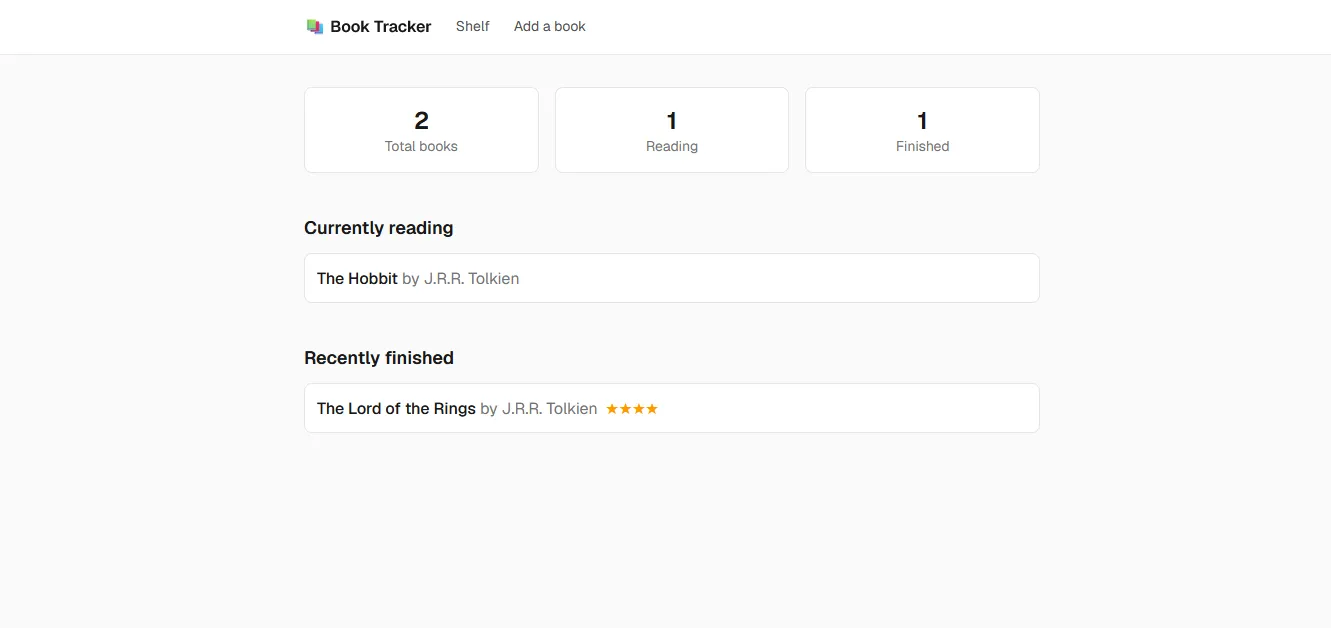
A thumbnail showing the Book Tracker web app.

Book Tracker

2026

(WIP) A web app to help prospective and avid readers keep track of everything they have read and will read!

  • Next.js
  • Tailwind CSS
  • TypeScript
  • BetterAuth

Book Tracker

2026

A thumbnail showing the Book Tracker web app.
  • Next.js
  • Tailwind CSS
  • TypeScript
  • BetterAuth

Background

As I’m building out my portfolio, I’m looking to make apps based around things I enjoy, and Book Tracker covers one of those - reading. Some of the inspiration for the project came from my cousin showing me a really neat reading tracking app she had on her phone. Book Tracker is an app designed to help people keep track of the books they’ve read over time, as well as to encourage them to think about what they’ve read (with the help of the post-book reflection questions).

Challenges and solutions

The most difficult thing I faced was implementing and parsing the query string for the reading stats on the homepage. As is the case with things one has never done before, I couldn’t wrap my head around the structure of it, so I looked at examples from this project (the same pattern is used on the shelf page) and online. With those examples, I was able to figure out how to implement the parsing of a query string.

What went right

The “Reading Stats” section I created on my own, with no help from AI. I wanted to demonstrate that I understood the technologies used in this project, hence my determination to program it fully by hand.

What went wrong

I didn’t think about implementing authentication/authorization for the project until late in its lifetime and that created unnecessary work and stress. Next time I will be more cognizant of whether a project will need authentication/authorization when planning it.

Jeremy Lawrence Jokes

Jeremy Lawrence Jokes

2026

A website built for Houston-based comedian Jeremy Lawrence.

  • Astro.js
  • Sheets API
  • Tailwind CSS
  • Claude Code

Jeremy Lawrence Jokes

2026

Jeremy Lawrence Jokes
  • Astro.js
  • Sheets API
  • Tailwind CSS
  • Claude Code

Background

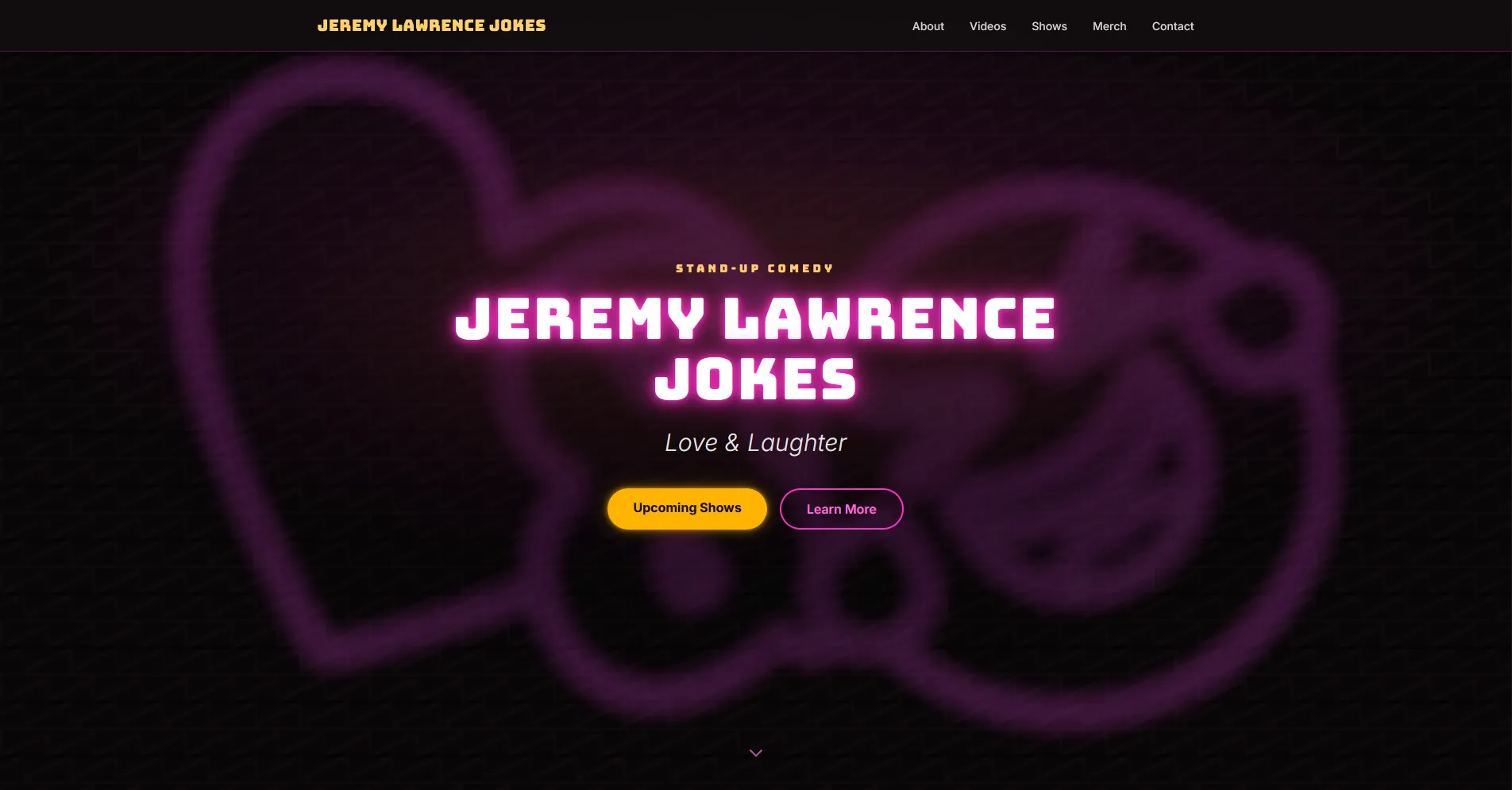
This is a website created for Houston-based comedian Jeremy Lawrence. He has been active for a while but did not yet have a website which I deemed essential in this day and age and offered to make one for him. It displays a bio, upcoming show information, contact information, and a section for merchandise (coming soon). The upcoming show information is dynamic, fetched from a spreadsheet using the Google Sheets API and formatted before display on the site.

Challenges and solutions

The most difficult part of this website was dealing with show dates and their display on the website. It would have sufficed for most to simply leave the date in the spreadsheet and call it a day, but I wanted the show information to be more dynamic than that. I wanted the site to only show future shows (so if Jeremy had forgotten to remove a past show from his spreadsheet, it would not show on the site) and to show repeating events a certain distance into the future. The former was simple enough (compare the user’s current date with the show date), but the latter was tough, as I had to remember to keep into account Daylight Saving Time and timezones. Ultimately, I used Claude Code to help me understand the intricacies of JavaScript’s Date class and implement a working solution.

What went right

Both the client and I are really pleased with the site’s current design. Design is not my strongest point, and the original version of the website looked like a very generic modern website. I sat down with Jeremy and we discussed possible aesthetics for the site. He liked the idea of a brick-and-mortar 80s/90s comedy club feel, so (with his permission) I used Claude Code to help with the redesign. The site came out fantastically, and as mentioned, we are both very happy with it.

What went wrong

I almost forgot to add the buttons in the “About” section that link to Jeremy’s social media accounts! It had been requested by him but I had forgotten to add it to my to-do list. In the future I will add client requests promptly to to-do lists (if the requests are feasible).
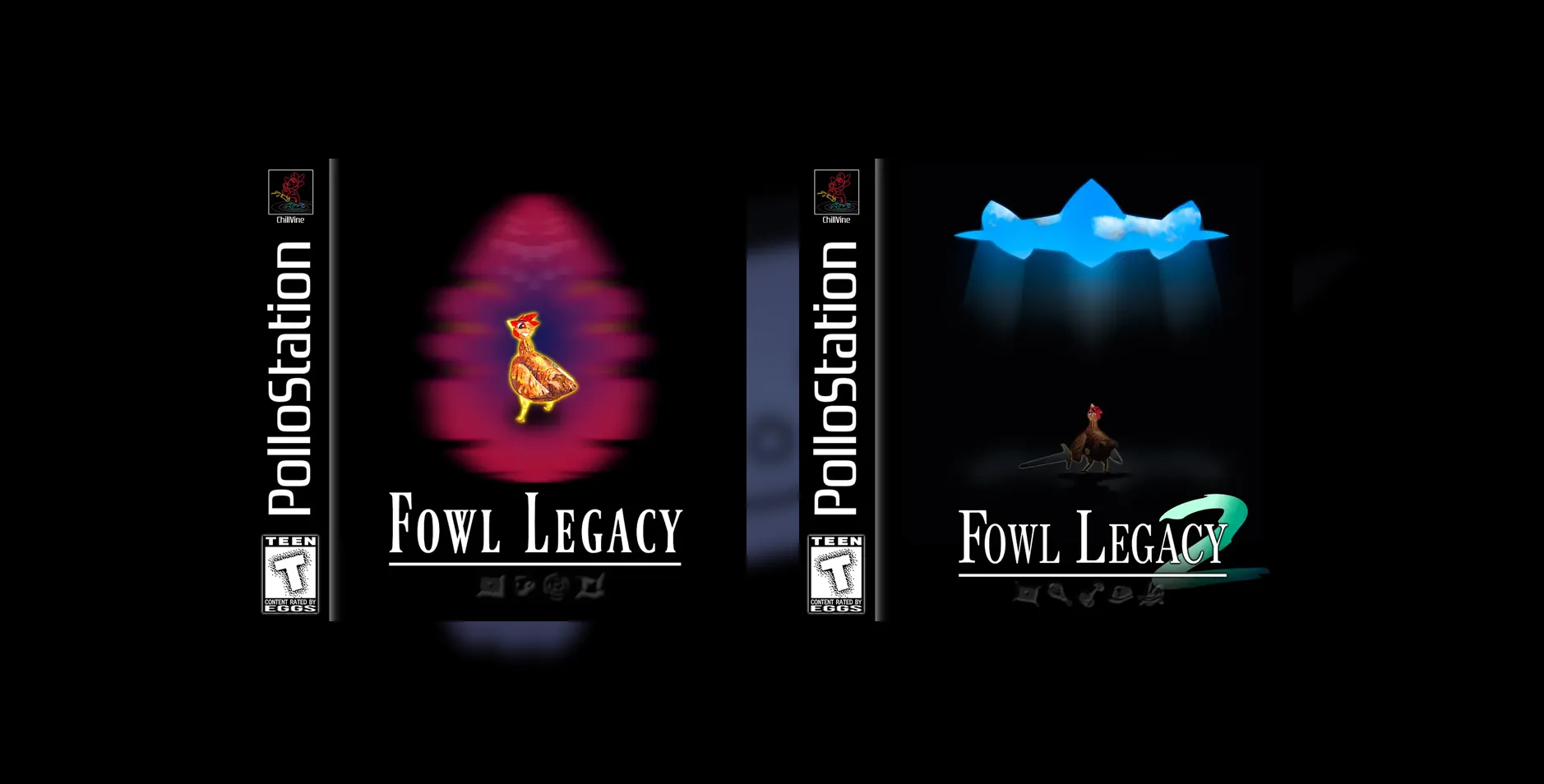
A thumbnail from the Fowl Legacy website.

Fowl Legacy

2026

A landing page made for the Fowl Legacy series developed by Chillvine.

  • Astro.js
  • CSS
  • Vercel

Fowl Legacy

2026

A thumbnail from the Fowl Legacy website.
  • Astro.js
  • CSS
  • Vercel

Background

This is a landing page for the Fowl Legacy game series made by Chillvine. Proper game pages are still a work in progress.

Challenges and solutions

I struggled for a while to make the cover images size accordingly to their flexbox container. I managed it with some workaround hard-coded max-width CSS rules. (Later I learned I can just set max-width to 100%; this fix is implemented in the full version of the website still in development.)

What went right

Though it’s simple, I’m proud of the position transition animation that’s done when you hover over the game covers. I had read about the different kinds of transitions and how each of them visually feel and I feel like I made the correct choice with the ease-in-out transition.

What went wrong

I did not have a design plan in mind, so I just jumped in with putting components together, and though the client is happy with the design, I feel like I could have done better. Next time I will plan first and/or sit down with the client to make sure we have at least a concrete draft before designing the webpage.

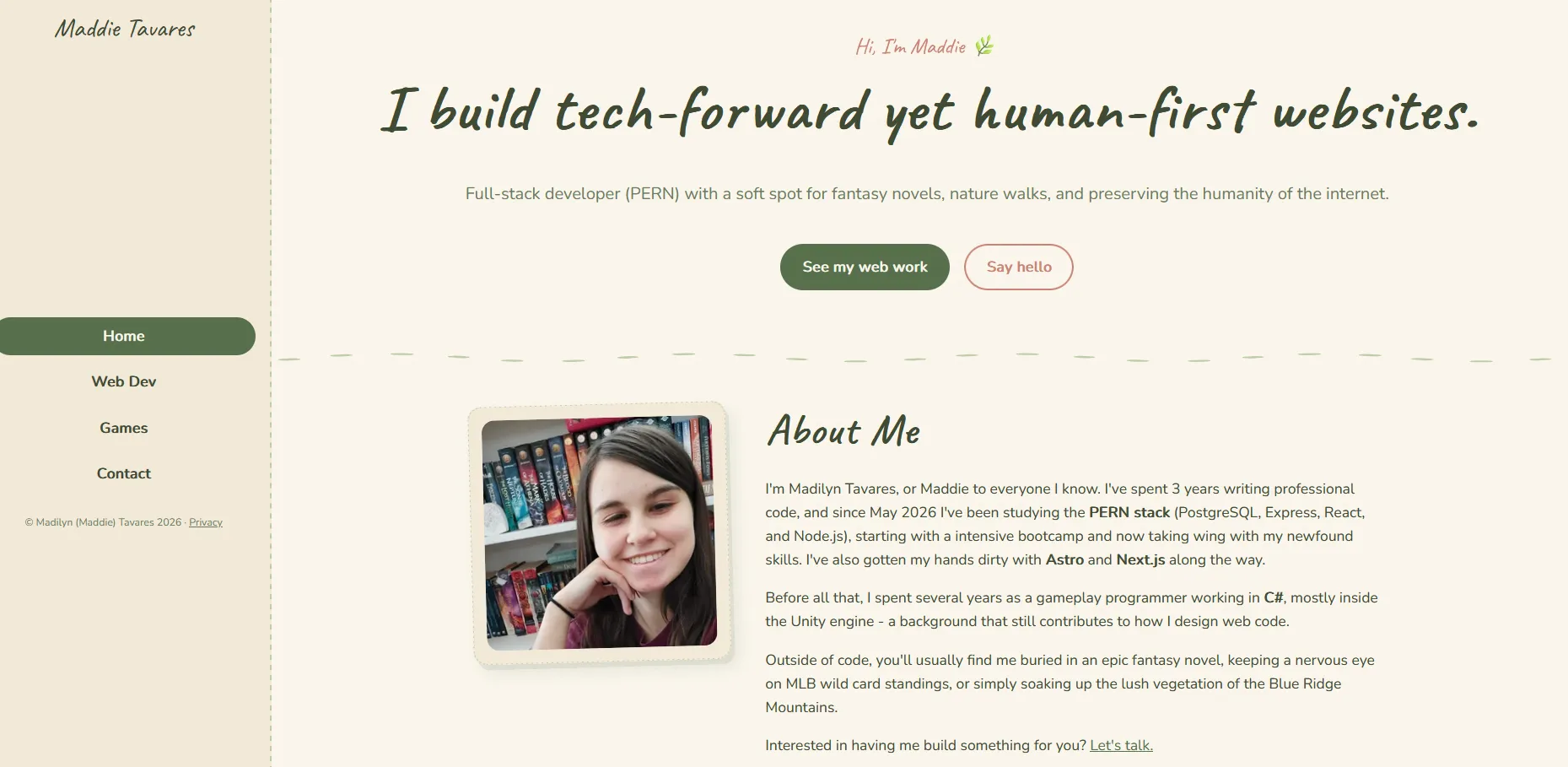
A thumbnail of the home page from this very site!

This very site!

2026

A website/portfolio built by yours truly.

  • Astro.js
  • CSS
  • Claude Code

This very site!

2026

A thumbnail of the home page from this very site!
  • Astro.js
  • CSS
  • Claude Code

Background

Every web developer needs a site, right? This site is meant to showcase my skills as a full stack web developer and Unity game developer and to pitch my services to interested parties.

Challenges and solutions

Because I went with a vertical nav menu, I had to ensure the main content would fit on the page and not bleed underneath the navbar - at multiple screen sizes and zoom levels. What I did is I used a global CSS variable that calculated the viewport width minus the navbar width minus some spacing and used the final result as the main content width. I’m happy to see how well it works!

What went right

I was glad to discover how easy it was for Astro to deliver content on demand like these very project card descriptions. I was worried I had made the wrong choice of framework when I reached this part of development, but I found out about Astro’s content collections and now it’s a great tool I have in my kit for future Astro projects.

What went wrong

This being my first (public) site, I didn’t think of implementing accessibility considerations like ARIA labels until very late in development, because - as someone who doesn’t use those accessibility features - it’s not something that was known to me. Having had that experience, I now keep accessibility in mind when developing and remember to include features such as focus rings, screen reader-only text, and ARIA roles.